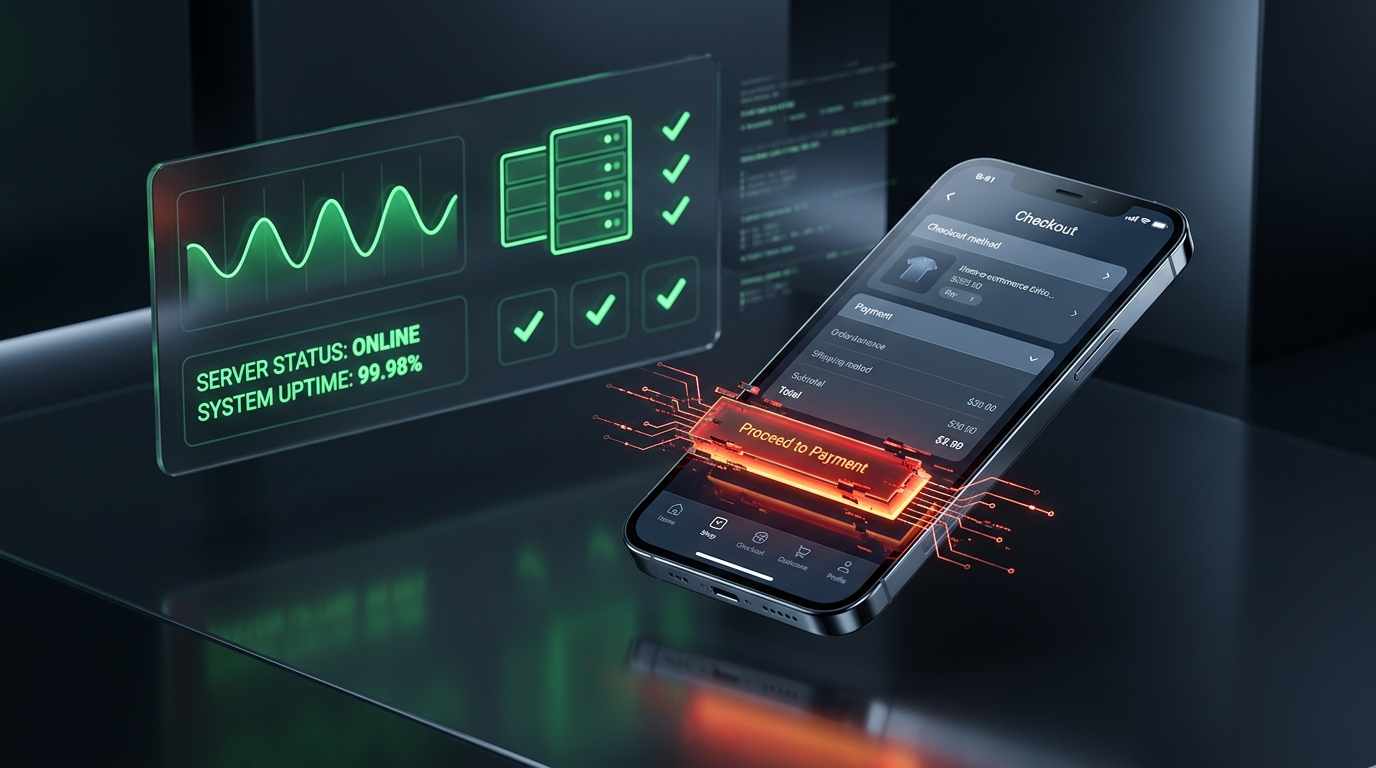
The “HTTP 200 OK” Illusion: Why Uptime Monitors Miss 95% of Broken Checkout Buttons
Your status page is glowing green. Your server ping reports 100% uptime. Meanwhile, your “Place Order” button has been completely unresponsive for six hours—and you have lost tens of thousands of dollars in silent cart abandonment. Here is why HTTP monitors leave stores defenseless.
Imagine this scenario: It is 2:00 PM on a Tuesday. Your Meta and Google Ads campaigns are spending $800 an hour, driving qualified shoppers directly to your product and cart pages. Your Slack alert channels are silent. You log into your monitoring dashboard (UptimeRobot, Pingdom, or BetterStack), and everything looks perfect: 100.0% Uptime, Average Latency 142ms, HTTP Status 200 OK.
Yet, your real-time Shopify or WooCommerce analytics reveal a terrifying anomaly: visitors are adding items to their cart, reaching checkout, and then conversion instantly drops to zero.
Three hours later, an angry customer emails support: “I have been trying to purchase this jacket for two hours, but every time I click ‘Place Order’, nothing happens. The button doesn't click.”
You rush to test it yourself. Sure enough: the page loads instantly, but the purchase button is completely inert. Your server was 100% online, but your business was 100% closed.
Stop trusting blind server pings. Verify that your buttons actually click.
Standard HTTP ping monitors only check server status codes and miss broken JavaScript hydration, invisible overlays, and disabled checkout buttons. UptimeClick runs real headless Chromium every 2 hours to verify that buttons like Add to Cart, Checkout, or Place Order are physically actionable—alerting you immediately with error screenshots if a click fails.
The Fatal Flaw of Traditional Ping Monitors
Why did your expensive infrastructure monitoring tools fail to alert you?
Because traditional uptime monitors were designed in the 1990s for static web servers like Apache and NGINX. A standard ping check works like this:
# What traditional monitors (UptimeRobot / Pingdom) actually do:
curl -I https://yourstore.com/checkout
HTTP/2 200 OK
content-type: text/html; charset=UTF-8
server: cloudflare

# Result logged: "UP (HTTP 200)" -> No alerts sent!
Notice what just happened:
- Zero JavaScript Executed: A curl request downloads the raw HTML string and terminates. It does not spin up a V8 JavaScript engine.
- Zero DOM Hydration: React, Vue, Next.js, or Liquid client scripts are never evaluated.
- Zero Actionability Checks: The monitor has no concept of whether a button is attached to an event listener, disabled, or hidden behind an invisible overlay.
- Zero Payment Gateway Verification: External payment iframes from Stripe, PayPal, Klarna, or Apple Pay are completely ignored.
To a traditional uptime monitor, a page that delivers an unclickable, frozen button looks identical to a page that processes millions in revenue.
The 4 Silent Killers That Return HTTP 200 OK While Blocking Orders
Modern e-commerce storefronts are complex client-side applications running dozens of simultaneous scripts. Here are the four most common architectural failures that destroy checkout without triggering a single server 500 error:
1. JavaScript Hydration Race Conditions & Unhandled Exceptions
In modern storefronts, the HTML shell renders first, and JavaScript “hydrates” the DOM moments later. If an unhandled runtime error occurs—such as an unexpected null property in your cart data or a third-party app crash—the browser halts JavaScript execution. The button renders visually on screen, but the onClick listener is never attached. The customer clicks, but the browser literally has no instructions to execute. (See our detailed diagnostic guide on why buttons do nothing when clicked).
2. Invisible CSS Z-Index Overlays & Cookie Consent Drawers
Third-party marketing popups, age verification gates, and cookie consent banners frequently deploy full-screen backdrop overlays (fixed inset-0) with high z-index values. If a script fails to dismiss the overlay properly, a completely transparent <div> sits on top of your checkout form. The shopper sees the button, but their mouse clicks hit the invisible overlay instead of the button.
3. Payment Gateway Tokenization & iFrame Freezes
Modern checkout flows embed isolated iframes for secure card collection (e.g. Stripe Elements, Klarna, or Google Pay). If your Content Security Policy (CSP) headers block a new payment domain or the gateway script experiences a latency spike, the card inputs freeze or fail tokenization. The parent page remains healthy, but checkout is dead.
4. Third-Party Script Collisions Breaking the Main Thread
The average Shopify or WooCommerce store runs 25 to 45 third-party scripts: Meta Pixel, TikTok Pixel, Google Tag Manager, live chat widgets, review stars, and currency switchers. When one of these scripts enters an infinite loop or performs heavy CPU processing during page load, it locks the browser's main thread. The customer clicks “Checkout”, but the browser is too congested to process the event.
The Modern Solution: Synthetic Headless Chromium Testing
How do tier-one engineering teams and smart store owners eliminate silent checkout failures?
They don't rely on blind HTTP pings. They deploy synthetic browser monitoring powered by headless Chromium:
// How UptimeClick actually verifies checkout health:
1. Spin up an isolated, real Chrome browser instance.
2. Navigate to your live product or checkout URL.
3. Wait for full JavaScript hydration, CSS rendering, and network idle.
4. Locate the exact button: locator('button:has-text("Place Order")').
5. Physically inspect DOM attributes (disabled, visibility, bounding box, z-index).
6. Verify physical actionability & click responsiveness.
7. Capture instant error screenshots if a click fails or throws an exception.
Because synthetic monitoring behaves exactly like a human customer on a real Chrome browser, it catches every silent failure that traditional monitors are blind to: broken hydration, blocked overlays, disabled buttons, and script crashes.
Protect Your Revenue in 30 Seconds with UptimeClick
Historically, setting up synthetic Playwright or Selenium tests required dedicated QA automation engineers, complex CI/CD test runners, and thousands of dollars in cloud infrastructure.
UptimeClick eliminates that complexity entirely:
- Zero Code / No SDKs: You never touch your theme code, install an app, or add tracking scripts that slow down your site.
- 30-Second Setup: Enter your product or checkout URL, specify the text of your money-making button (e.g. “Add to Cart”, “Checkout”, or “Place Order”), and click save.
- Automated 24/7 Verification: Our cloud engine tests your live buttons every 2 hours using real headless Chromium.
- Instant Visual Alerts: The moment a click fails, an instant email alert with an error screenshot and console log is dispatched before your customers even notice.
Never Lose Another Sale to a Silent Button Failure
Create your free account in 30 seconds. Monitor up to 4 critical checkout buttons 24/7 with real headless Chromium—no credit card required.