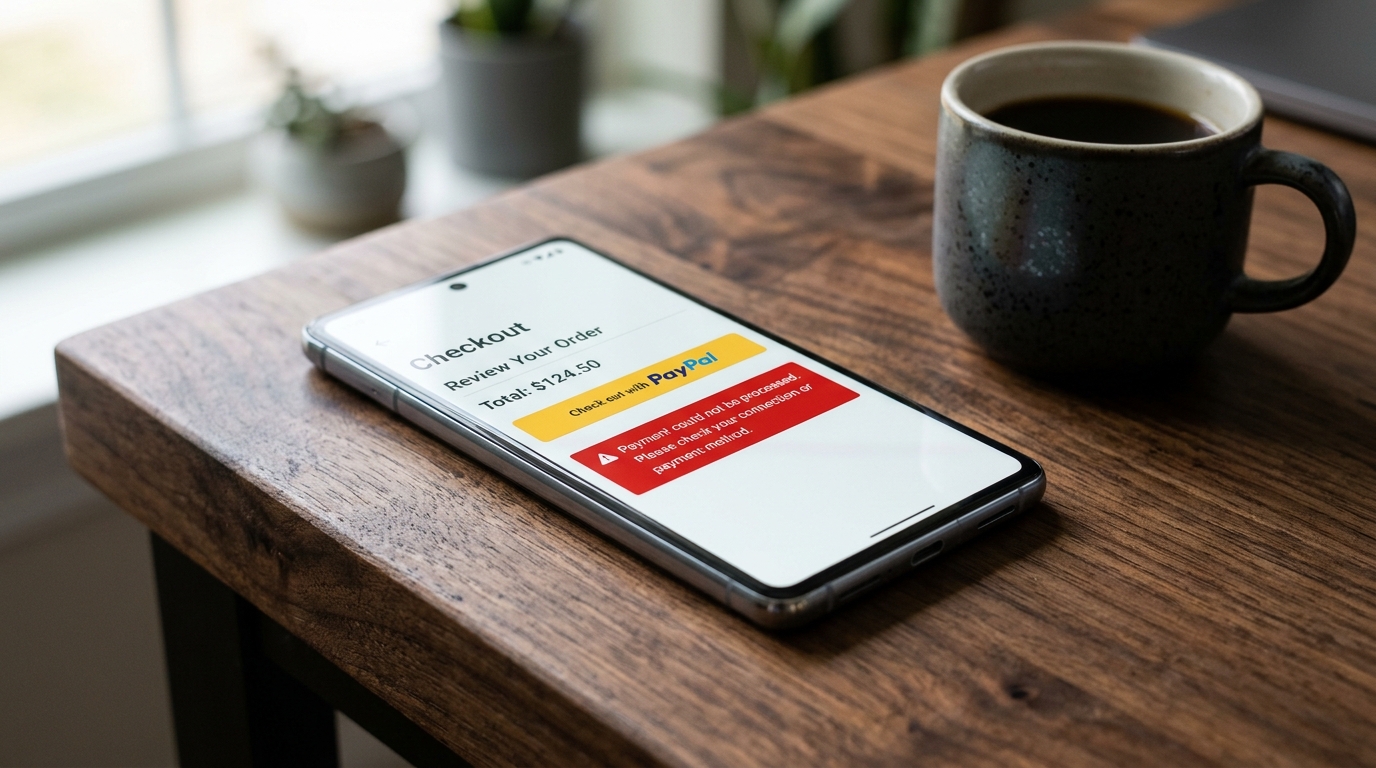
PayPal Checkout Button Not Working? 5 Common Causes & Instant Fix

UptimeClick Engineering Staff
7 min read
The Vanishing Express Sale
PayPal is one of the most trusted and widely used express checkout solutions on the internet, responsible for over 20% to 35% of all digital retail payments in North America and Western Europe. Shoppers choose PayPal specifically because it allows them to skip tedious address forms and complete their transaction in two taps.
When a buyer clicks your shiny yellow “PayPal” button, they expect a seamless authentication modal. Instead, one of three silent disasters occurs:
- The PayPal modal pops open for a split second, blanks out, and abruptly snaps shut.
- The button becomes stuck in an infinite grey loading spinner that never opens the authorization window.
- The entire PayPal button container fails to render into the DOM, leaving a blank gap where your primary payment method should be.
To your server monitoring logs, nothing broke. The product page loaded with status 200 OK, the checkout template loaded with status 200 OK, and your uptime dashboard shows 100% green health. Yet your highest-intent buyers are physically blocked from handing you their money.
Want to verify that your PayPal & Checkout buttons are clickable 24/7?
Standard HTTP ping monitors only check server status codes and miss broken JavaScript hydration, invisible overlays, and disabled checkout buttons. UptimeClick runs real headless Chromium every 2 hours to verify that buttons like PayPal are physically actionable—alerting you immediately with error screenshots if a click fails.
The PayPal Smart Payment Buttons Pipeline
Modern PayPal integrations no longer rely on simple form redirects to paypal.com/cgi-bin/webscr. Today’s storefronts (Shopify, WooCommerce, Magento, BigCommerce, and custom Next.js headless storefronts) mount the PayPal JavaScript SDKdirectly inside the customer’s browser:
Because this pipeline operates entirely across client-side asynchronous promises, an unhandled error in any single phase freezes the button or crashes the authentication window before payment can be authorized.
The 5 Most Common Causes Behind PayPal Checkout Failures
1. The Instant Popup Closure: Invalid `createOrder` Payloads
When a shopper clicks the PayPal button, the SDK dispatches an asynchronous call to the createOrdercallback. This function calculates item subtotals, shipping charges, discounts, and sales tax before sending the payload to PayPal’s servers to create an order token.
If your storefront calculates a negative discount line item, passes non-numeric currency values, or causes subtotal rounding mismatches (for example: item subtotal + tax does not mathematically equal amount.value down to two decimal places), PayPal instantly rejects the order.
The modal opens, detects an unhandled promise rejection (INVALID_RESOURCE_ID or AMOUNT_MISMATCH), and immediately snaps shut.
// Example: Why PayPal rejects rounding discrepancies
const createOrder = (data, actions) => {
  return actions.order.create({
    purchase_units: [{
      amount: {
        currency_code: 'USD',
        value: '100.00', // Total
        breakdown: {
          item_total: { currency_code: 'USD', value: '80.00' },
          shipping: { currency_code: 'USD', value: '15.00' },
          tax_total: { currency_code: 'USD', value: '5.01' } // Sum = 100.01 != 100.00!
        }
      }
    }]
  });
}; // Result: Popup crashes immediately with 422 Unprocessable Entity
The Fix: Open Chrome DevTools (F12), switch to the Network tab, filter by v2/checkout/orders, and click the button. Check the red response payload. Ensure your cart math rounds line items to exactly two decimal places and that item totals match the grand total.
2. Unhandled Exceptions in the `onShippingChange` Listener
PayPal Express allows buyers to select their saved shipping address inside the PayPal modal. When they choose an address, the SDK triggers the onShippingChange callback, allowing your server to recompute shipping rates and sales tax dynamically.
If your shipping API times out, returns a 500 error, or rejects the customer’s postal code without resolving the callback promise, PayPal freezes the screen with an infinite spinner inside the popup. The buyer cannot proceed or approve the order.
The Fix: Always wrap your onShippingChange callback in a defensive try...catch block. If dynamic rate computation fails, fall back to a standard flat rate or call actions.reject() with a user-friendly error message rather than letting the promise hang indefinitely.
3. Content Security Policy (CSP) & Iframe Blocking
Modern security headers like Content Security Policy (CSP) restrict which external scripts and frames can mount into your website. The PayPal SDK requires embedding remote iframes hosted on https://*.paypal.com.
If your web server sends restrictive headers such as:
Content-Security-Policy: default-src 'self'; frame-src 'self'; script-src 'self';The browser terminates the PayPal iframe before it can even mount into the DOM. The container div remains empty, and the console outputs a critical security rejection:
Refused to frame 'https://www.paypal.com/' because it violates the following Content Security Policy directive: "frame-src 'self'".The Fix: Update your CSP headers to explicitly allow PayPal endpoints:
Content-Security-Policy:
  script-src 'self' https://www.paypal.com https://*.paypalobjects.com;
  frame-src 'self' https://www.paypal.com https://*.paypal.com;
  connect-src 'self' https://www.paypal.com https://*.paypal.com;
4. Sandbox vs. Production API Credentials Mismatch
During staging development or plugin updates, developers frequently toggle between PayPal’s Sandbox environment and Live Production.
If your storefront loads the SDK using a Sandbox client ID while calling production capture endpoints—or if your store is located in the UK and your PayPal business account does not have multi-currency receiving enabled—PayPal returns VALIDATION_ERROR: Client ID not recognized.
The buttons disappear or display a grayed-out error badge stating: “Things don’t appear to be working at the moment. Please try again later.”
The Fix: Verify your PayPal dashboard settings. Ensure that your Client ID and Secret Key match the current environment mode (Sandbox vs. Live). Confirm that your store’s primary checkout currency is enabled in your PayPal merchant account under Payment Preferences > Block Payments.
5. Delayed JavaScript Bundling & Missing Container Elements
Speed optimization plugins (such as WP Rocket, LiteSpeed Cache, or Autoptimize in WooCommerce) frequently delay all external JavaScript execution until first user interaction to achieve perfect Google PageSpeed scores.
When a customer visits your product page or checkout, the target container element <div id="paypal-button-container"></div> exists, but the script that calls paypal.Buttons().render('#paypal-button-container') is delayed.
If the customer attempts to interact before the script hydrates, or if an ad blocker halts the initialization script, the button never renders. The buyer sees only standard credit card fields or assumes your store does not accept PayPal.
Diagnostic Comparison: PayPal Checkout Glitches
| Symptom | Root Cause | Affected Platforms | Recommended Resolution |
|---|---|---|---|
| Popup opens and closes instantly | Order amount rounding error or unhandled createOrder rejection | All platforms (Shopify, WC, Custom) | Inspect Network tab for 422 Unprocessable Entity & fix line-item math |
| Infinite spinner inside PayPal modal | Hanging promise in onShippingChange callback | WooCommerce, Custom Headless | Implement fallback shipping rates and defensive try/catch handlers |
| PayPal button missing entirely | Content Security Policy (CSP) blocking frame-src or JS delay | WordPress, Shopify Plus | Whitelist *.paypal.com in CSP and exclude PayPal SDK from delay |
| “Things don’t appear to be working” | Sandbox Client ID deployed to live or unsupported currency | WooCommerce, Magento | Verify Live Client ID and enable store currency in PayPal account |
Why Server Ping Monitors Cannot Detect PayPal Failures
Standard server ping tools (like UptimeRobot or Pingdom) only send simple HTTP requests to your checkout URL. When PayPal buttons fail:
- The HTML page loads in 300ms with status
200 OK. - Your server CPU, memory, and database are completely healthy.
- Your SSL certificate is 100% active.
Yet to every customer attempting to pay with PayPal, your checkout is fundamentally broken. Standard monitors report 100% operational uptime while up to 35% of your transactions disappear into thin air.
The only reliable defense is automated synthetic browser monitoring. A headless Chromium engine navigates to your live product and checkout pages, waits for the DOM to hydrate, inspects the paypal-buttons container to confirm the iframe attached successfully, and verifies that clicking initiates a valid authorization flow.
Frequently Asked Questions
Why does the PayPal checkout window close immediately after clicking?
This happens when the background createOrderrequest fails validation on PayPal’s API servers. Common causes include rounding discrepancies between item totals and tax, negative line item values, or an unhandled JavaScript promise rejection in your theme code.
Can caching plugins break PayPal smart buttons?
Yes. If optimization plugins delay or defer external scripts, the script that attaches paypal.Buttons() to the DOM may not execute before the customer tries to pay. Furthermore, caching checkout HTML pages can serve expired session tokens that break order creation.
How do I test whether my PayPal button is working for real buyers?
Open an incognito browser window, add an item to your cart, open Developer Tools (F12) to the Console and Network tabs, and click PayPal. Verify that the window launches without red CSP or 422 errors. To monitor this continuously, use automated synthetic testing like UptimeClick.
Related Payment & Checkout Guides
- Why Apple Pay & Express Checkout Buttons Are Missing or Not Working →
- Why Your Checkout Fails 3D Secure (3DS) & OTP Verification →
- Checkout Button Greyed Out or Disabled? 5 Causes & Instant Fix →
- Why Your WooCommerce Checkout Button Is Not Working →
- Why Discount Codes Fail at Checkout (And How to Fix Coupon Glitches) →
Protect Your PayPal Checkout From Silent Failures
UptimeClick deploys real headless Chromium browsers to test your purchase buttons and payment flows every 2 hours. Receive instant screenshot alerts the moment your PayPal integration breaks.