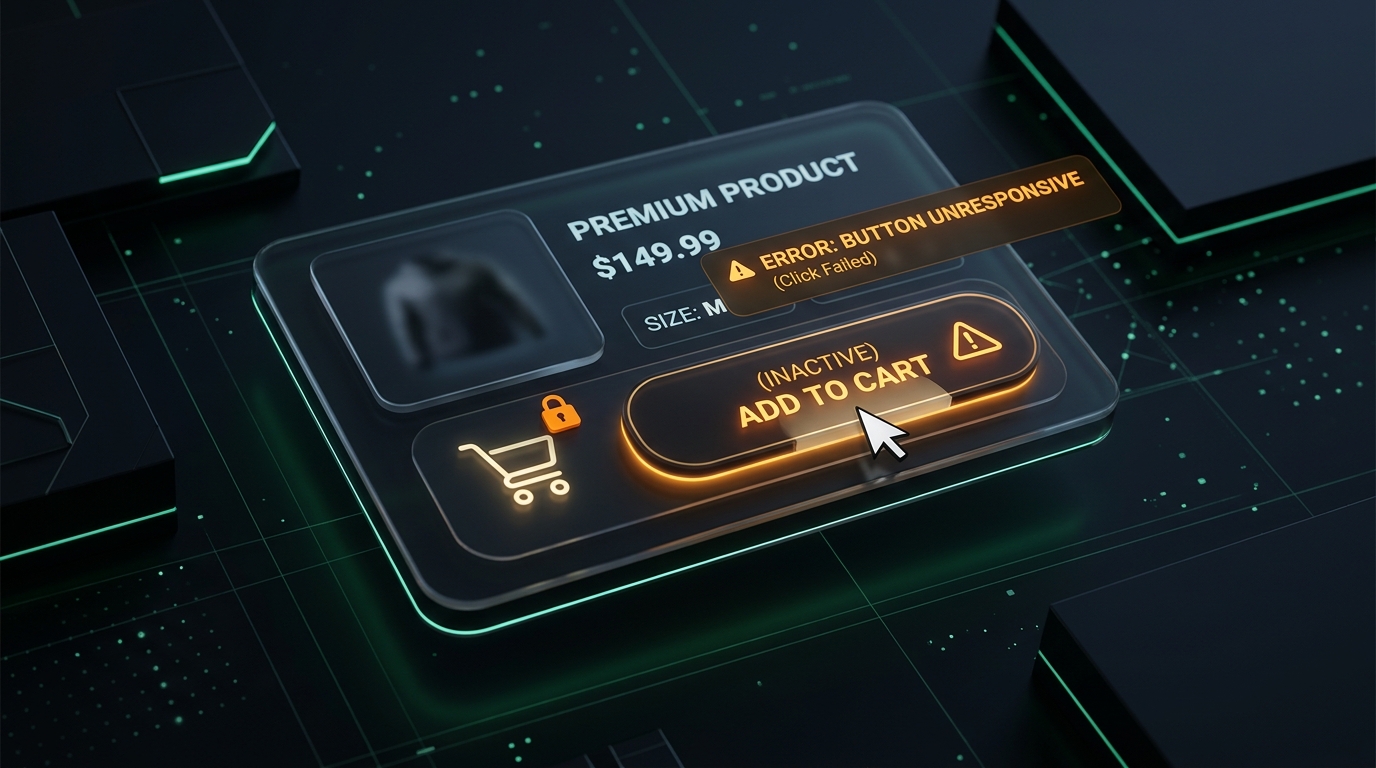
Why Your “Add to Cart” Button Stops Working

UptimeClick Operations
4 min read
The 2-Minute Emergency Check (Do This Right Now)
If shoppers are abandoning your product pages or you notice an unexpected drop in cart additions, do not spend hours checking server logs or database status. The failure is almost always client-side. Run these immediate checks on your live product page:
- Open an incognito browser window: Test as an unauthenticated first-time shopper with a fresh cache.
- Explicitly select a variant (size, color, or bundle): Many themes keep the button inactive until all options are picked, but fail to highlight what is missing.
- Click “Add to Cart” and observe the screen: Does the button animate, open a cart drawer, or produce zero visual reaction?
- Check for recent app updates: Review any sticky cart plugins, review widgets, or discount bars installed or updated in the last 48 hours.
If clicking the button produces no feedback, or spins indefinitely, you have found the leak in your sales funnel.
The 4 Most Common Causes of Broken Cart Buttons
Online store owners often assume that if their website loads without a 500 server error, the buying journey works. In reality, the most frequent purchase blockers happen silently inside the customer's browser:
1. The Silent Variant Trap
Modern stores sell items with multiple options (such as Size: S/M/L or Color: Navy/Black). If a theme update breaks the auto-selection of the default option, the button stays disabled. Worse, many themes do not shake or display a clear warning. The customer clicks repeatedly, assumes the store is broken, and buys elsewhere.
2. The Frozen Ajax Cart Drawer
Today's e-commerce stores rarely redirect shoppers to a full page refresh at /cart; they use slide-out drawers (Ajax carts). When a visitor clicks “Add to Cart”, the product may be added behind the scenes, but the JavaScript responsible for triggering the drawer animation hits an exception and freezes. Because there is no confirmation, the visitor thinks the click failed.
3. Third-Party App & Sticky Cart Collisions
Stores frequently install sticky add-to-cart bars, currency switchers, upsell popups, and review widgets. Because all these third-party apps inject scripts onto the same product page, an update from an external developer can overwrite or detach the click event listener from your main button.
4. Invisible Floating Overlays
Floating elements like cookie consent banners, support chat icons, and promo bars often contain transparent padding or invisible container boxes. If an overlay has a higher z-index, it physically rests on top of your “Add to Cart” button. The button appears visible to the naked eye, but mouse clicks hit the invisible container instead.
Why Traditional Uptime Monitors Show 100% Green
Traditional website monitoring tools only check whether your web server returns an HTTP 200 “OK” response. If the HTML page is successfully delivered, the monitor marks your store as completely healthy.
However, modern e-commerce interactions do not happen on the server. They happen inside the customer's browser via the Document Object Model (DOM) and JavaScript event listeners. A server status code cannot verify whether a button is clickable, whether third-party scripts have locked the main thread, or whether a shopper can proceed to checkout.
The Cost of Waiting for Analytics Reports
Google Analytics and Shopify sales summaries only tell you what happened hours or days ago. Discovering that your “Add to Cart” button broke after running paid ad traffic all day means thousands of dollars in marketing spend was wasted sending high-intent buyers to a dead end.
How Automated Browser Testing Protects Your Revenue
To catch broken buttons before your daily ad budget is spent, modern e-commerce brands rely on automated synthetic browser testing.
Tools like UptimeClick launch an automated desktop Chromium browser at scheduled intervals:
- It navigates to your live product pages just like an authentic customer.
- It verifies that the primary “Add to Cart” button is attached, visible, enabled, and unobstructed by invisible popups.
- It simulates real mouse clicks and checks for smooth interaction.
- If the button fails to respond or triggers a client-side crash, it immediately captures a full-resolution screenshot and sends an alert.
This ensures your technical team can resolve an app collision within minutes of deployment, rather than learning about it from an empty morning sales dashboard.