Why Scaling Ad Spend Kills Your ROAS

UptimeClick Operations
5 min read
The Fatal Assumption When Scaling Ad Budgets
When a Meta or Google campaign produces a profitable 3.5x ROAS at $500 per day, media buyers instinctively increase budgets to $2,000 or $5,000 per day.
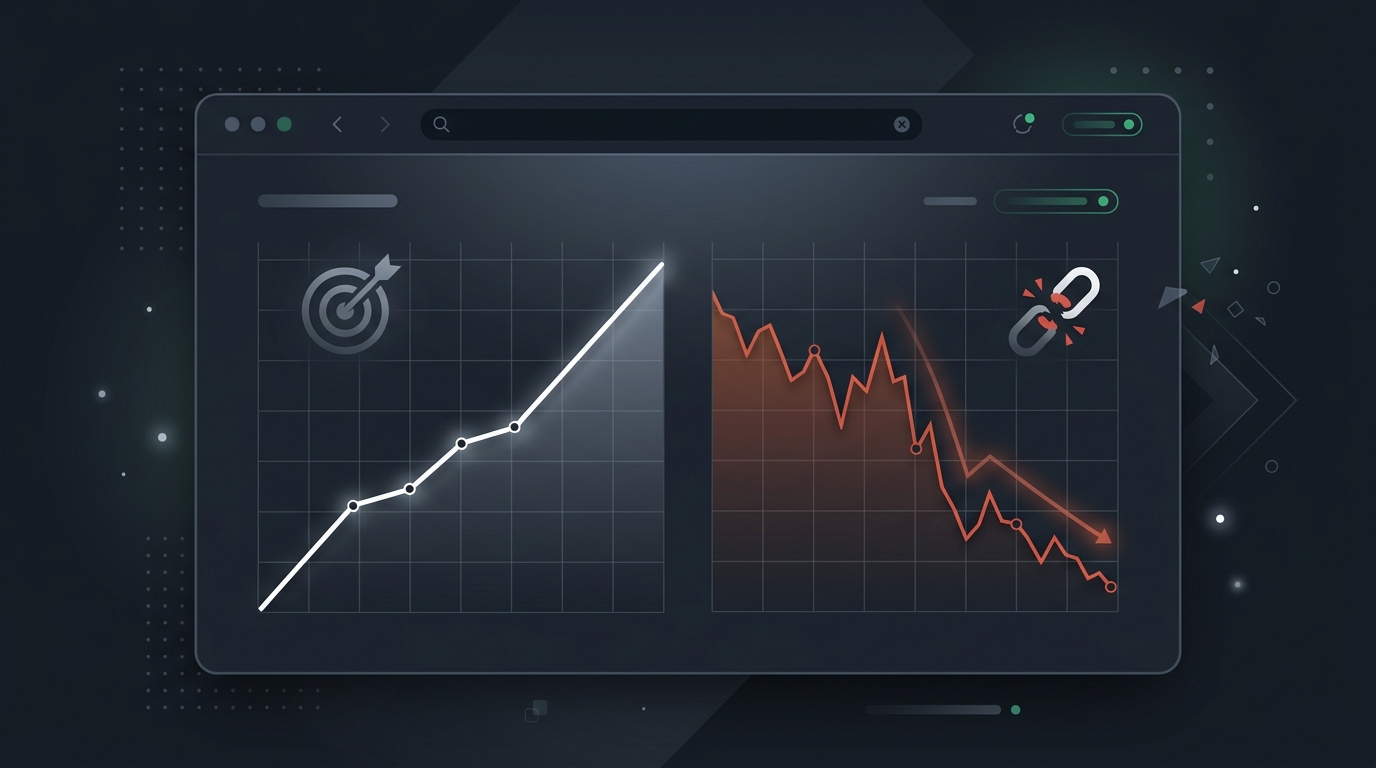
Within 48 hours, ROAS plunges to 1.1x. Cost per acquisition doubles. The immediate reaction from marketing teams is to blame the ad network algorithm: audience saturation, ad fatigue, or poor traffic quality.
In over 70% of audited e-commerce stores, the algorithm is not at fault. The ad creative drove qualified buyers to the site, but the increased traffic volume exposed fragile frontend scripts, third-party app rate limits, and unclickable purchase buttons that silently consumed the marketing budget.
How Scaling Traffic Breaks Client-Side Architecture
A landing page that works smoothly for 20 concurrent shoppers can break entirely when 250 concurrent users arrive from a scaling TikTok or Meta campaign. Unlike server crashes that throw obvious 500 errors, client-side failures occur inside the customer's browser:
1. Tag Manager Script Congestion and Execution Queues
As stores scale, marketing teams add more tracking pixels: Meta Conversions API, TikTok Pixel, Pinterest Tag, Google Tag Manager, and heatmaps like Hotjar.
Each tag competes for browser main thread execution. When multiple heavy scripts load simultaneously on mobile devices, JavaScript execution delays event listener binding. A customer lands on your page, immediately clicks “Claim Offer” or “Add to Cart,” but the click handler has not yet mounted. The click is discarded, the user assumes the site is frozen, and they bounce back to their social feed. You pay for the ad click; the customer gets nothing.
2. Dynamic Promo and Auto-Discount API Throttling
Scaling ads often rely on campaign-specific discount links (e.g., ?discount=FALL30). Storefronts use third-party Shopify apps or WooCommerce plugins to automatically apply these discounts via AJAX when the cart initializes.
When traffic surges, the third-party discount server gets overwhelmed or hits API rate limits. Instead of gracefully falling back, the script throws an unhandled promise rejection that halts the entire checkout script execution. The cart drawer never opens, and users are completely unable to proceed.
3. Transparent Overlay Collisions from Aggressive Popups
To maximize return on scaling traffic, brands frequently activate welcome email popups, SMS capture wheels, and cookie compliance banners.
If a popup overlay fails to set pointer-events: none when closed on smaller mobile viewports, an invisible <div> continues to cover the bottom 20% of the screen. The purchase button is visible to the eye, but physically unclickable to the mouse or finger. Every dollar spent driving traffic to that landing page is completely wasted until someone manually discovers the layout bug.
The Real Math of Ad Spend Waste
Consider a store spending $3,000 per day on paid ads with an average cost per click (CPC) of $1.50:
- The store receives 2,000 paid clicks daily.
- A third-party app update at 2:00 PM introduces a script error that disables the “Proceed to Checkout” button.
- Server uptime monitors report 100% operational status because HTML delivery returns HTTP 200 OK.
- The issue remains unnoticed until 8:00 PM when someone checks daily ad reports.
- During those 6 hours, 500 paid visitors arrived and attempted to purchase, burning $750 in direct ad spend and losing thousands more in gross revenue.
Why Server Uptime Monitors Provide Zero Protection
Legacy uptime tools like Pingdom or basic UptimeRobot ping your server URL from remote data centers. Because your CDN or host responds with a 200 OK header, the monitor displays a bright green checkmark.
These monitors do not run real headless browsers. They do not click your promotional buttons. They do not verify that your cart drawer opens, and they do not confirm that the checkout form renders. Your server health dashboard can show five nines of uptime while your ad account burns money on completely unclickable buttons.
How Continuous Synthetic Testing Protects Your Ad Spend
To protect ROAS while scaling budgets, technical growth teams use continuous synthetic browser testing.
Instead of relying on server pings, synthetic testing tools like UptimeClick launch automated desktop Chromium browsers on a continuous schedule:
- The browser navigates directly to your active ad landing pages and product funnels.
- It executes all client-side JavaScript, waiting for hydration and dynamic pixels to settle.
- It locates the primary call-to-action buttons (Add to Cart, Buy Now, Checkout) in the live DOM.
- It validates physical actionability: ensuring buttons are visible, enabled, clickable, and free from transparent modal overlays.
- If a button fails actionability checks, it captures an immediate high-resolution screenshot and dispatches an alert with visual evidence.
This real-time verification allows your team to catch script collisions and checkout breaks within minutes of scaling your ad campaigns, protecting your budget before thousands of dollars are lost.