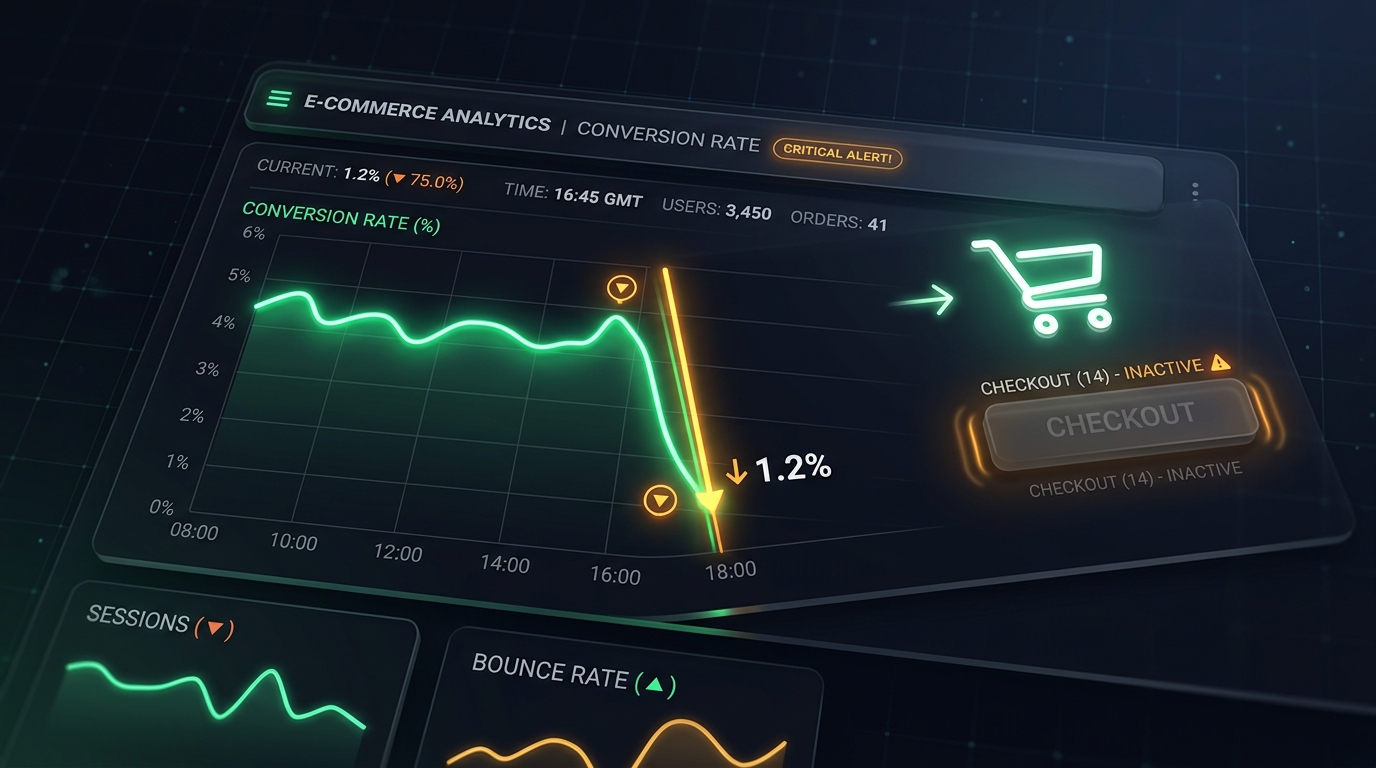
Why Did Your E-Commerce Conversion Rate Drop Suddenly?

UptimeClick Operations
4 min read
The 2-Minute Emergency Check (Do This Right Now)
Before digging into complex analytics reports or pausing your ad campaigns, run these four quick checks directly on your live store:
- Open an incognito browser window: Do not test as an authenticated admin. Test exactly as a brand-new customer would.
- Add an item to your cart: Does the cart drawer open immediately, or does the page hang?
- Click the checkout button: Does the button register your click, or does nothing happen at all?
- Review recent changes: Did anyone install or update a new app, cookie banner, review widget, or tracking pixel in the last 48 hours?
If clicking the checkout button produces no reaction, or leaves you stuck on a blank white screen, you have found your problem.
The 4 Most Common Checkout Blockers
In most cases where conversions fall off a cliff, the website homepage looks completely healthy. The breakdown happens silently during the checkout interaction:
1. Invisible Overlays
Many stores run promotional popups, cookie consent bars, spin-to-win widgets, and live chat bubbles. When one of these apps updates or misconfigures its display rules, it can leave a transparent container spanning across the screen. The checkout button looks perfectly normal to the human eye, but when shoppers click it, their click hits the invisible box instead.
2. The Infinite Loading Wheel
A customer enters their details and clicks "Place Order" or "Proceed to Payment". The button displays a spinning wheel, but the order never completes. This often occurs when a background calculation for real-time shipping or taxes fails silently without showing a readable error message. The shopper waits several seconds and leaves.
3. Third-Party App Collisions
Every extra script loaded on your store (marketing pixels, reviews, currency converters) shares the same browser environment. If an external service pushes an update that contains an unhandled error, it can freeze the rest of the scripts running on your page. When that happens, the click handler on your buy button stops responding.
4. The Stuck Disabled State
Checkouts frequently keep the payment button grayed out until every required field is filled. If a minor validation issue occurs (such as an unrecognized address format), the button remains locked in a disabled state, but without highlighting which field needs correction.
Why Traditional Uptime Monitors Said "100% Up"
This is where most store owners get caught off guard. You might have an uptime monitoring service active, and its dashboard is showing a green checkmark.
Traditional uptime monitors only send basic server pings or fetch your store's HTML code. If your web server replies with an HTTP 200 "OK" status, the monitor assumes everything is working.
However, a server status code only confirms that files reached the visitor. It cannot verify whether the button is clickable inside the browser, whether JavaScript executed cleanly, or whether a customer can actually complete a purchase.
The Problem with Relying on Google Analytics
Google Analytics and Shopify sales summaries are retroactive tools. They report what happened in the past.
Discovering that your checkout stopped working 12 hours after the fact means hundreds or thousands of dollars in ad spend have already been wasted on sending shoppers to a broken page. Even worse, frustrated visitors rarely give a store a second chance.
How Automated Browser Testing Catches Issues Immediately
To catch conversion-killing glitches before they drain your daily budget, modern e-commerce teams use automated synthetic browser testing.
Instead of just pinging a server address, tools like UptimeClick launch an automated desktop Chromium browser at scheduled intervals:
- It visits your product and cart pages just like a real customer.
- It verifies that your primary checkout buttons are physically visible, enabled, and unobstructed by invisible popups.
- It simulates real clicks and measures response times.
- If a button fails to respond or triggers a failure, it immediately captures a full-resolution screenshot and sends an alert.
Instead of finding out about a broken checkout from an angry customer email or an empty morning sales report, your team can resolve the glitch within minutes of deployment.