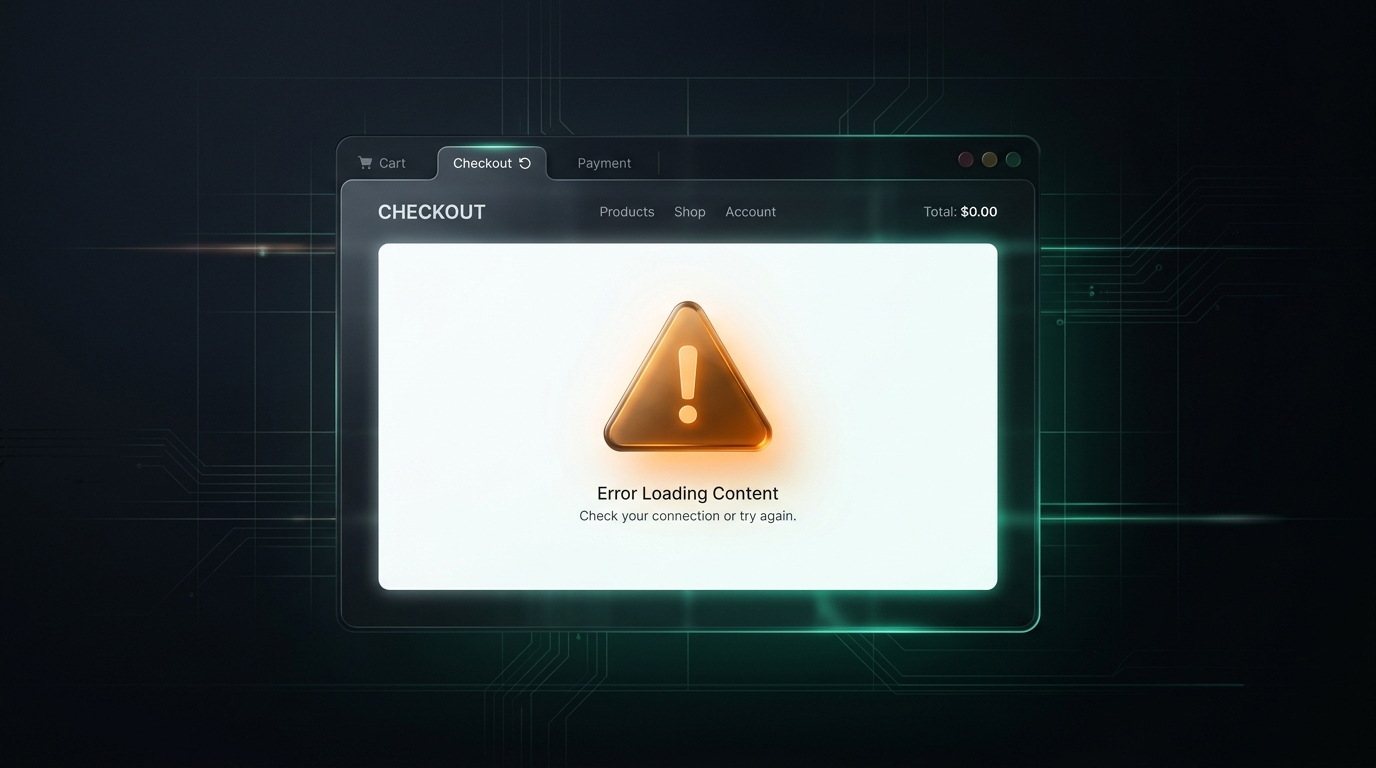
Why Your Checkout Page Loads a Blank White Screen

UptimeClick Operations
4 min read
The 2-Minute Emergency Diagnostic
When an e-commerce checkout page loads as pure white or hangs indefinitely without displaying form fields, do not restart your web server or assume a hosting outage. In over 90% of cases, the server delivered the page successfully, but client-side JavaScript died inside the visitor's browser.
Run these four diagnostic steps immediately on your live checkout URL:
- Open an incognito window with DevTools (F12): Switch to the Console tab, navigate to your checkout, and look for red error messages. An
Uncaught TypeErrororChunkLoadErrorindicates a broken frontend script. - Test with browser extensions disabled: Adblockers and privacy extensions frequently block checkout scripts containing keywords like
analyticsortracking. - Review recently updated apps or plugins: Check your store admin for shipping, tax, currency, or checkout upsell apps updated within the last 48 hours.
- Verify payment gateway credentials: Confirm that API keys for Stripe, PayPal, or Klarna have not expired, been invalidated, or hit rate limits.
If the page remains white while your browser console logs an unhandled JavaScript exception, the breakdown is happening during client-side hydration.
The 4 Root Causes of Checkout White Screens
Modern e-commerce checkout systems (including Shopify Checkout, WooCommerce Blocks, and headless commerce setups) rely heavily on client-side rendering. When the initial HTML arrives, JavaScript must hydrate the page into an interactive form. If that process fails, the browser displays a blank white screen:
1. Client-Side Hydration Failures
When a visitor navigates to checkout, modern storefront frameworks (React, Vue, or dynamic Liquid components) mount the checkout form. If a theme script, tag manager snippet, or customization attempts to read a property from an undefined object, JavaScript execution halts immediately. Because error boundaries are rarely configured to catch theme-level script errors, the rendering engine aborts, leaving the screen completely blank.
2. Third-Party Payment Gateway SDK Timeouts
Checkout forms dynamically fetch external Software Development Kits (SDKs) from payment providers such as Stripe, PayPal, Apple Pay, or Klarna. If an external payment CDN experiences a latency spike, regional routing issue, or DNS timeout, the main checkout script may block while waiting for the remote file. Without an asynchronous fallback, the page freezes on a white canvas.
3. Adblocker and Privacy Extension False-Positives
Over 40% of desktop shoppers use adblockers or strict privacy shields. If a third-party developer names a critical checkout component with words like cart-tracker.js, pixel-events.js, or promo-checkout.js, privacy extensions block the script from downloading. If your checkout script expects that bundle to be globally defined, its absence throws an immediate fatal error and blanks the page.
4. Missing Localization or Currency Variables
International stores rely on multi-currency and translation apps to format prices and address fields. If an update corrupts the global configuration object (such as window.Shopify.currency or WooCommerce localized settings), the checkout component cannot calculate totals or render tax rates, resulting in a silent fatal error before the first input field is drawn.
Why Traditional Uptime Monitors Report 100% Green
This is the most dangerous aspect of a checkout white screen: traditional website monitoring tools will never notify you.
Traditional uptime monitors only send basic HTTP GET requests to your checkout URL. Because your web server is online, it responds with an HTTP 200 “OK” status code and delivers the initial HTML shell. The monitoring tool marks your store as perfectly healthy.
However, traditional monitors never execute JavaScript, never download external bundles, and never verify that form fields physically render on screen. Your server can be 100% operational while every customer sees a blank white wall.
The Real Cost of Silent Checkout White Screens
Shoppers who encounter a blank white screen do not file support tickets. They assume your store is untrustworthy or crashed, close the tab, and buy the product on Amazon or a competitor's site.
Meanwhile, your marketing campaigns continue directing paid ad traffic to a page that cannot generate sales, wasting your advertising budget until someone notices the drop in orders hours later.
How Automated Synthetic Browser Testing Catches White Screens
To protect your revenue from silent hydration crashes and third-party script failures, modern e-commerce teams use continuous synthetic browser testing.
Tools like UptimeClick deploy automated desktop Chromium browsers at scheduled intervals:
- It opens your live product and checkout pages exactly like an authentic customer.
- It executes all client-side JavaScript, hydrates the DOM, and verifies that form fields and purchase buttons are physically visible and enabled.
- It detects blank pages, frozen loading spinners, and unclickable buttons in real time.
- If the checkout page turns white or fails to render, it immediately captures a full-resolution screenshot and sends an alert with visual proof.
This ensures your technical team can diagnose and resolve a script conflict within minutes of deployment, protecting your store from silent revenue loss.