The Ad Spend Drain: How Broken Forms Are Wasting Your Budget

UptimeClick Engineering
4 min read
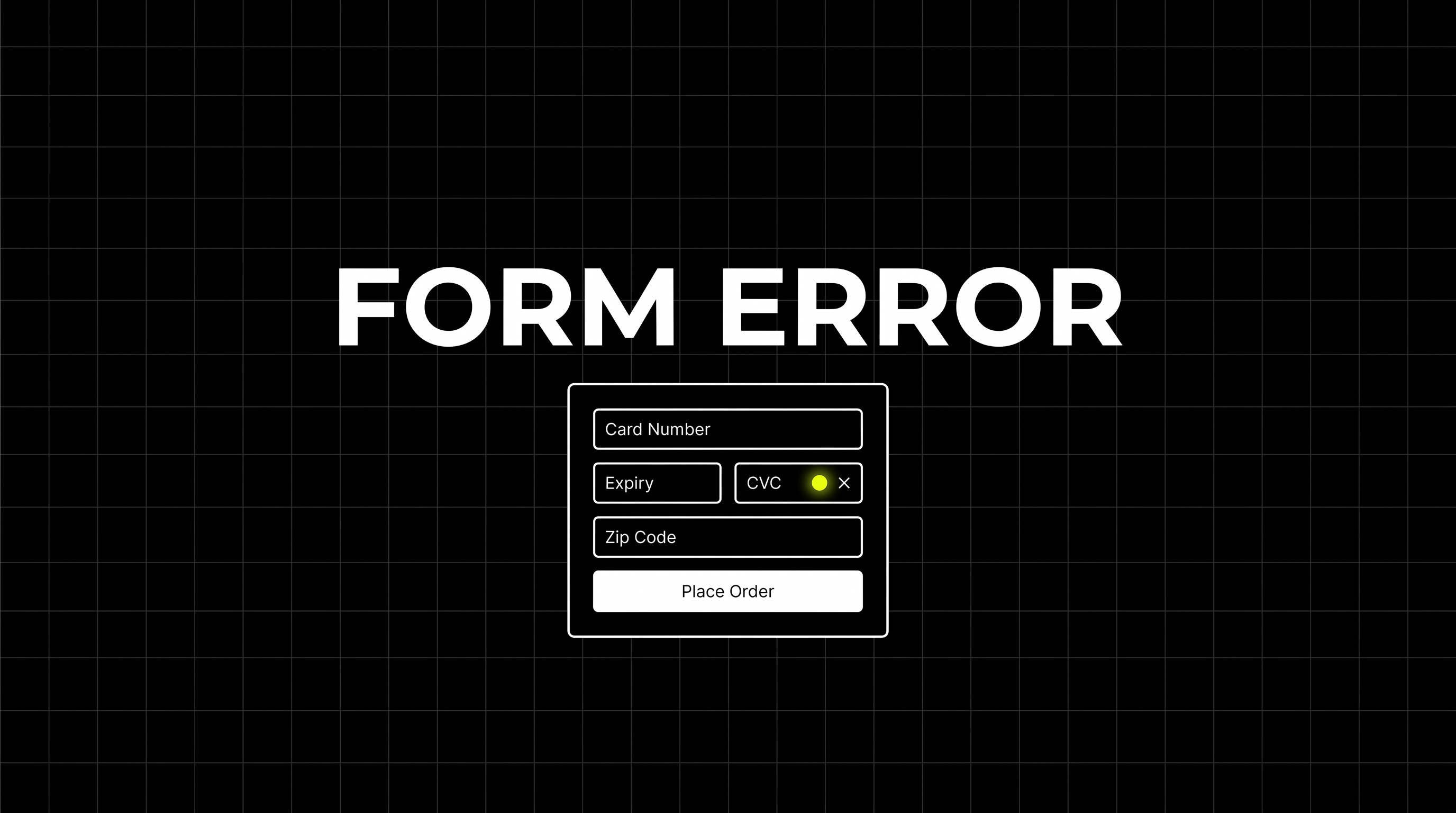
You review your Meta Ads dashboard. CPC is low, CTR is high. Thousands of clicks are pouring into your landing page. You expect a tidal wave of sales. You refresh your Shopify dashboard... Zero new orders. What went wrong?
You check your Analytics, and the data is brutal: visitors are bouncing right off the product page. Did they hate the price? Was the shipping too expensive? Did a competitor launch a better offer?
No. They just couldn't click the "Add to Cart" button.
The Silent Drain on Your Ad Budget
E-commerce teams spend weeks optimizing ad creatives, adjusting bidding strategies, and A/B testing copy. But none of it matters if the final mile—the checkout form—is fundamentally broken.
A recent iOS update, an incompatible Safari extension, or a seemingly harmless 3rd-party Shopify app update can easily break your frontend JavaScript. The server doesn't crash, so UptimeRobot stays green. But a silent Javascript error makes your primary Call-to-Action button completely unresponsive.
Want automated verification that your 'Place Order' button actually works?
Standard HTTP ping monitors only check server status codes and miss broken JavaScript hydration, invisible overlays, and disabled checkout buttons. UptimeClick runs real headless Chromium every 2 hours to verify that buttons like Place Order or Complete Purchase are physically actionable—alerting you immediately with error screenshots if a click fails.
Every Second of Ignorance Costs You Money
When a customer clicks your ad and bounces because the site is physically broken, two terrible things happen simultaneously:
- Direct Loss: You paid $2 for that click, and it evaporated into thin air. You're literally burning cash.
- The Algorithm Penalty: Meta and Google's algorithms immediately detect the rapid bounce rate. They assume your landing page is low quality or misleading. Within hours, they throttle your reach and skyrocket your CPC for future clicks.
Why Server Monitoring is Blind
Traditional monitoring tools only ping your server to check if it returns an HTTP 200 OK status. They don't have eyes. They can't tell you if a newly installed chat widget just covered up your mobile checkout button, rendering it impossible to tap on iPhones.
They can't warn you if your credit card form is throwing a silent API validation error in the background.
Stop Guessing, Start Testing
To stop burning your ad budget, you need a system that acts like a real, paying buyer.
Protect Your ROI
UptimeClick visits your site every 15 minutes, acts like a real shopper, and verifies that the critical buying flow actually works in a real Chrome browser. Stop the ads before you lose the budget.